 TopNotch
Your notch, put to work.
Music, friends, files, calls and meetings. Hover the notch — it's all there.
macOS 14 or later, Apple Silicon.

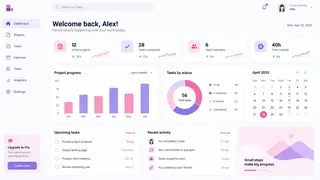


All in the notch
There when you hover. Gone when you don't.
-
FaceLatch New
Look at the lock screen; when it recognizes you, your Mac opens. Off until you turn it on. How it works
-
Now Playing
Music, Spotify, YouTube Music. Two players at once? Switch between them.
-
Listen Together
Same song, same second, with friends anywhere.
-
Calls
Your FaceTime, Zoom or Meet call stays live in the notch while you work.
-
Tray
Drag a file to the notch. Grab it later, or AirDrop it.
-
Today
Meetings and to‑dos. A heads-up five minutes before.
-
Clipboard
Your last five copies, one click away. Never saved to disk.
-
Tools
Timer, AirPods battery, your Shortcuts, a mirror before calls.
-
Voice notes
A voice note plays, the music pauses. Then it picks up again.
-
Volume & brightness
A quiet HUD in the notch, not in the middle of your screen.
- Hides in full screen
- External displays too
- Signed auto-updates
- No account, no analytics
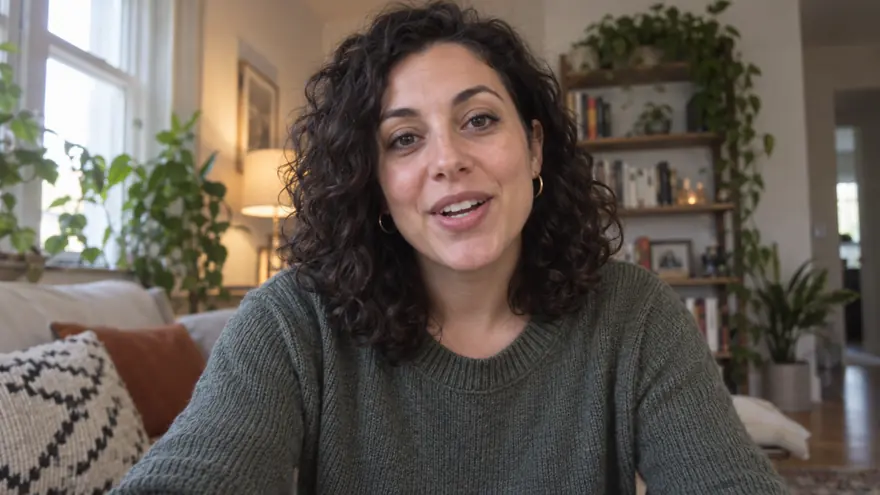
FaceLatch New
Look at your Mac. It's open.
When it recognizes you, it types your password for you.
-
Faster than typing
Wake the Mac or move the mouse and look at it. No password to type.
-
Built to turn away photos and screens
An anti-spoofing model on your Mac checks for a live face. Stricter modes also ask for a blink or a head turn.
-
Your face never leaves the Mac
No photo is kept. Face data and your password are encrypted behind Touch ID. Nothing goes online.
Off until you turn it on, in Settings → FaceLatch. Uses the MacBook's built-in camera.
A convenience, not a security feature. FaceLatch can make mistakes and can be fooled. It doesn't replace your password, FileVault or Touch ID, so don't rely on it to protect sensitive data. Details in the Terms
Listen Together
Same song. Same second.
No call, no counting to three.
-
Next door or abroad
Nearby Macs show up. Anyone else joins with a code.
-
Each in their own app
Apple Music here, YouTube Music there.
-
Anyone can DJ
Put on a song, everyone hears it. Or keep the controls to yourself.
-
Friends, one click
See who's playing. Ask to listen in.
-
Files too
Drop a file on the notch. Everyone gets it.
Everyone needs TopNotch.
AirDrop
AirDrop in one drag
No Finder, no Share menu.
-
Grab a file
Or a few.
-
Pull it up
The notch opens before you get there.
-
Let go on AirDrop
Pick a device. Done.
Not sending yet? Drop it on Tray.
Today
Your day, one hover away
Meetings and to‑dos, side by side.
-
Join in one click
Meet, Zoom, Teams, Webex.
-
Five-minute heads-up
Stop watching the clock.
-
Tick it off
Apple Reminders or TaskFlow. Add, tick, undo.
Calendar comes from your Google account in System Settings → Internet Accounts.
Monthly, yearly or once
Every feature, every update. No account.
Yearly
USD, $4.17 a month
- Every feature
- Updates while subscribed
- 1 Mac
- Cancel anytime
Pay by card. Your key shows up right after paying. 14-day refund.
Questions
What do I need?
macOS 14 or later on an Apple Silicon Mac. No notch, or an external display? It opens from the top edge of the screen. Intel Macs aren't supported.
How do I pay?
On the order page, by card. Card payments are processed by PayPlus, an Israeli payment provider, on its secure payment page; I never see your card number. Prices are in US dollars, with no tax added at checkout. Your key shows up right away and by email, and PayPlus emails you a receipt for each charge.
Monthly, yearly or lifetime?
Same app, same updates. Monthly and yearly are one Mac at a time; lifetime is up to three. Subscriptions renew by card until you cancel. Cancel anytime with Cancel renewal in your account, or by email; the license keeps working until the end of the paid period. A subscription started through PayPal is cancelled in your PayPal account.
Upgrading? Order with the same email and keep your key. The old subscription is cancelled for you, and you're never billed twice for the same time.
How do updates work?
Automatically, while you're away from the Mac. Every release is signed and checked before it installs.
Is FaceLatch secure?
Not the way your password is. FaceLatch is a convenience, not a security feature. A MacBook's camera sees in 2D, and while TopNotch tries to tell a real face from a photo or a screen, it can make mistakes and can be fooled: by someone who looks like you, a relative, or a good enough picture or video.
It doesn't replace your password, FileVault or Touch ID. Don't rely on it to protect sensitive data, and leave it off on a Mac others share or can get to. It's off until you turn it on. Details in the Terms.
What data do you collect?
Your name, email and country, for the license. No analytics, no tracking. Cookies only for two things: if you open a partner's link, it remembers that partner's code for 60 days so they get credit if you buy; and if you sign in to your account, it keeps you signed in (Google sign-in tells me only your name and email, to find your license). The app goes online to check the license, look for updates, and for the features you use: Listen Together, song lookups and the task services you connect. Calendar, reminders, camera, calls, clipboard and files stay on your Mac. So does FaceLatch, if you turn it on: it never saves or sends a photo, and its face templates and your password stay on your Mac, encrypted behind Touch ID. Details in the Privacy Policy.
Can I get a refund?
Yes. Email within 14 days of buying, no questions. Details in the Refund policy.
Moving to a new Mac?
On the old one: Settings → License → Deactivate this Mac. Then activate on the new one.
Who makes TopNotch?
Roey Peled, an independent developer. Something wrong? Email him.
Partner program
Share TopNotch, earn 30% for life
30% of every payment from every customer you send, for as long as they pay.
Sign in with your TopNotch license key to get your link. Program terms
- $1.50a monthfor each monthly customer
- $15a yearfor each yearly customer
- $30oncefor each lifetime customer